Displaying Sharp BASIC programs on modern computers
I’ve been working on a way of displaying Sharp MZ BASIC programs from a digital tape file (mzf/mzt/m12 formats) on a modern computer. I’ve used a Raspberry Pi 5 as my daily driver for some time and it would be ideal (for me) to be able to look at, print and edit the contents of a BASIC program before passing it over to a real computer or emulator.
Across the MZ series, tape files have a similar structure. There’s always a 128 byte header, followed by the program code itself. The header contains a number of items that are useful for developing a standalone listing tool, namely the file type encoded as the first byte, the file length and the location of the first BASIC program byte when read into the machine’s memory.
Unfortunately, there’s no consistent standard for the file type byte contents. On the MZ-700, programs created by the S-BASIC interpreter have a file type of 0x05. On the MZ-80K and MZ-80A, BASIC programs are given a type identifier of 0x02, but as the SP-5025 and SA-5510 BASIC interpreters use different token schemes this isn’t enough to distinguish between the two systems.
This is where the location of the first byte is useful – it should be 0x4806 for a MZ-80K SP-5025 BASIC program and 0x505C for the MZ-80A’s SA-5510 BASIC. It sometimes doesn’t work though – a number of preserved Sharp digital tape files seem to have corrupt headers.
Armed with this knowledge it becomes relatively easy to parse the contents of BASIC tape files and create a listing from them. However, the Sharp ASCII codes aren’t totally consistent between models and also contain some lovely, but very non-standard block graphics.
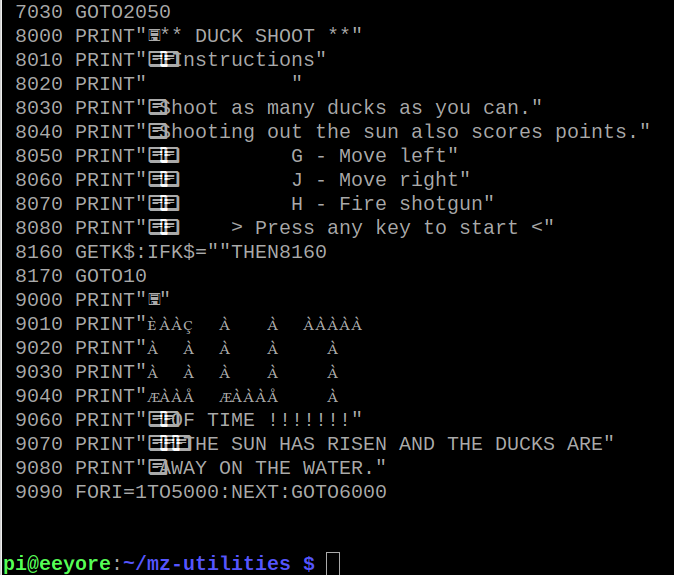
I’ve dealt with this issue by creating my own unicode font. Private use area 1 (from character E000 onwards) stores the non-standard MZ characters, with the latin area used for standard ASCII codes (alphanumerics and some punctuation).
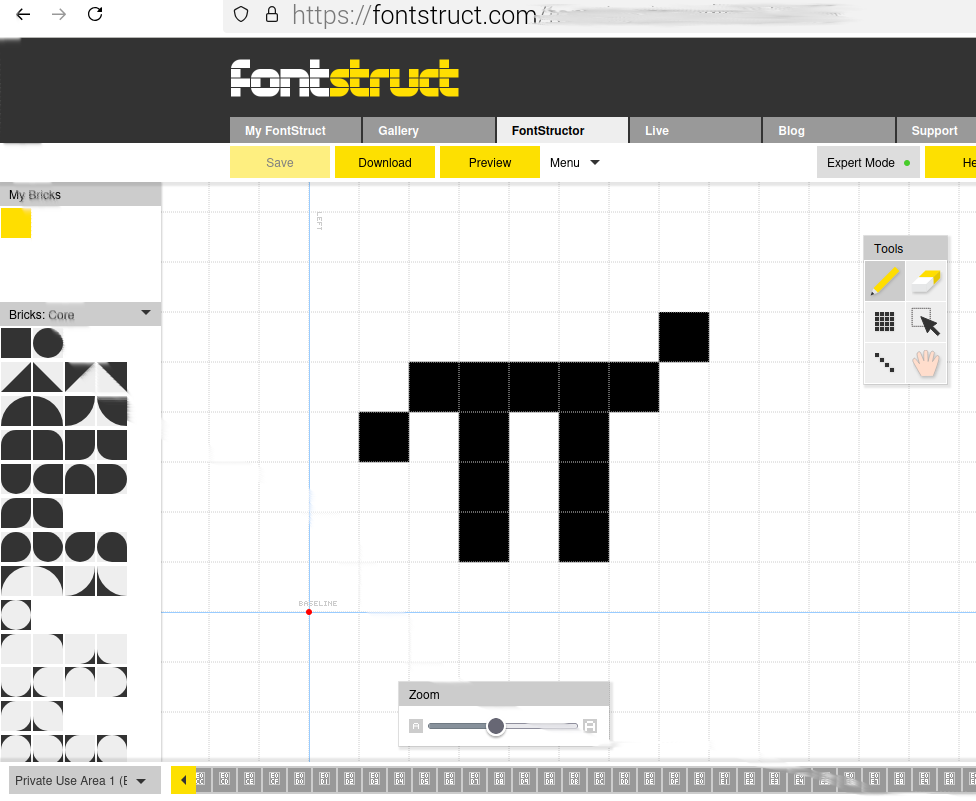
After much head scratching (just about every font creation program is far too complicated for a simple job like recreating the MZ character set) I settled on using FontStruct. This online tool is simple to use (even in expert mode) and allows you to export your work as a true type font file that installs nicely on Linux (and presumably on other platforms as well).
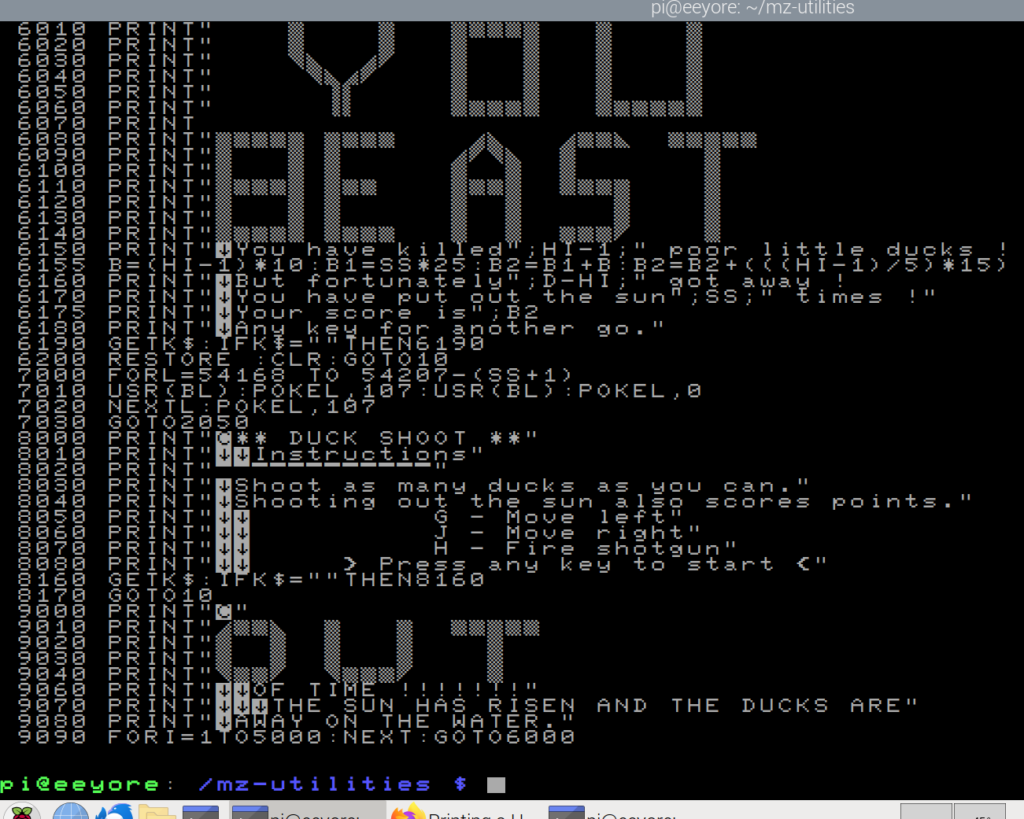
Now that I have the MZ-80K font working I need to deal with the small differences found in the MZ-80A and MZ-700 character sets and tweak the viewer code accordingly.
This, plus some other utility programs, will eventually find their way to my MZ-Utilities repository.