Archiving MZ-80K program tapes
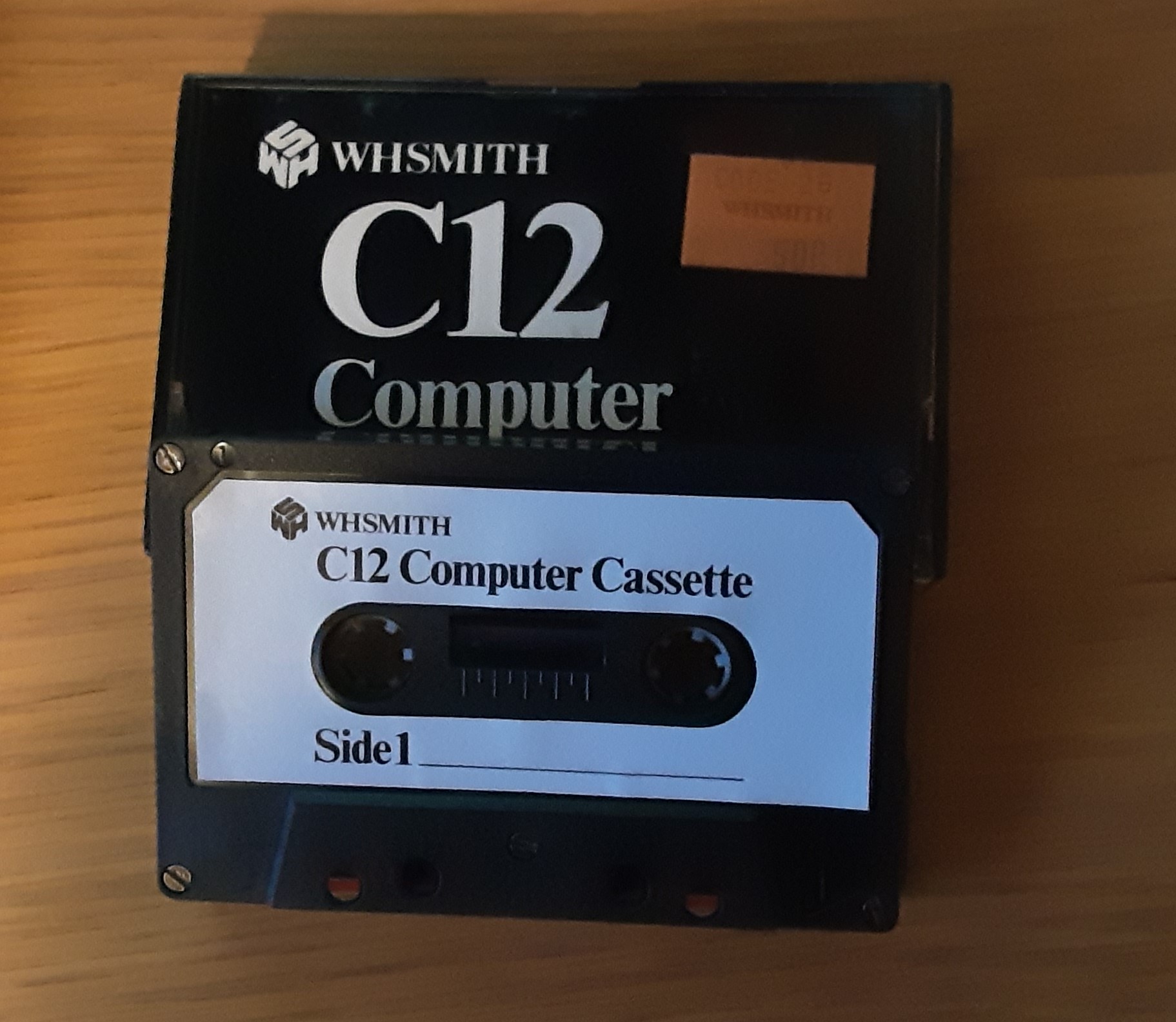
Now that my Sharp MZ-80K is working again I’ve decided to archive the program tapes that I have. These were mostly written in the early 1980s on WH Smith C12 and C15 computer cassettes. All of them still appear to work, but I’m not sure that they’ll survive another 40 years!
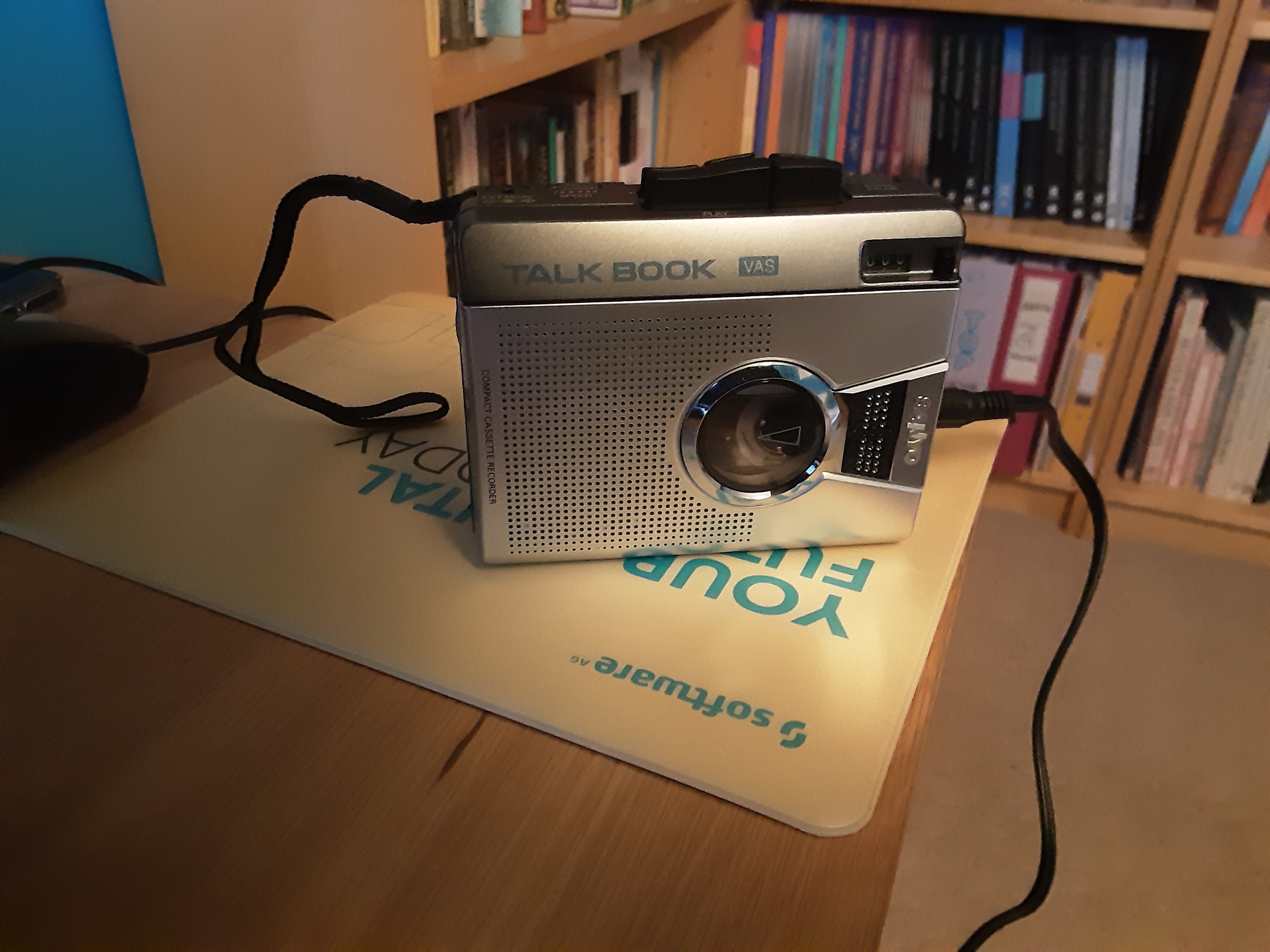
I’m using a small external cassette player connected (from the headphone socket) by a 3.5mm cable to the audio input of a standard Windows 10 desktop.
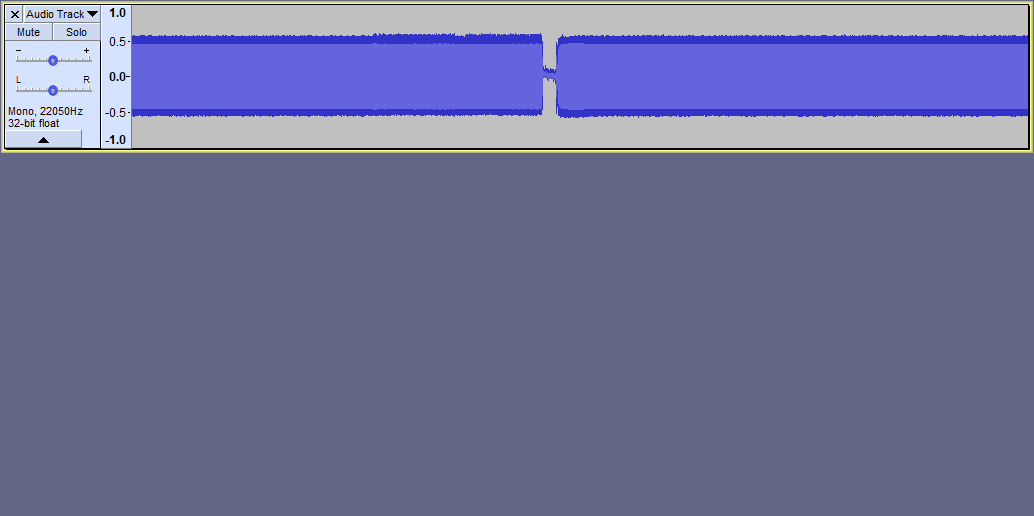
From there I’m using Audacity to convert the tape into an 8 bit, mono, 22050Hz .wav file – as this is what the author of the MZFStudio program recommends. You can see on the screenshot the short gap betwen the program name and the program data.
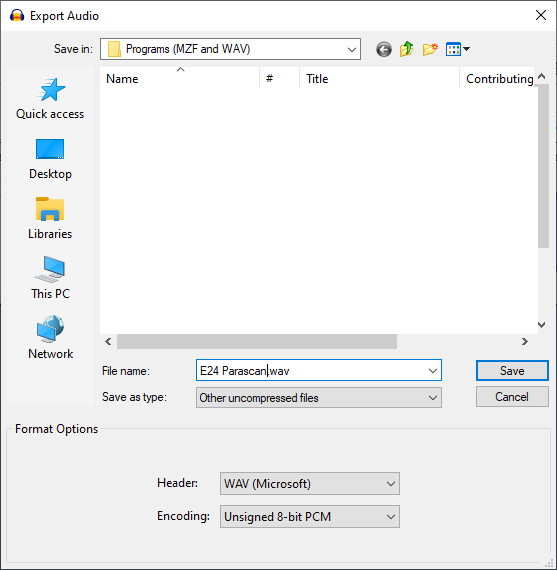
The final stage of this part of the process is to save the file as a .wav file. It’s not immediately obvious how to do this, but if you use the File->Export option, one of the items in the drop down box is “Other uncompressed files”. Select that and chose the WAV (Microsoft) header and Unsigned 8-bit encoding options, then save.
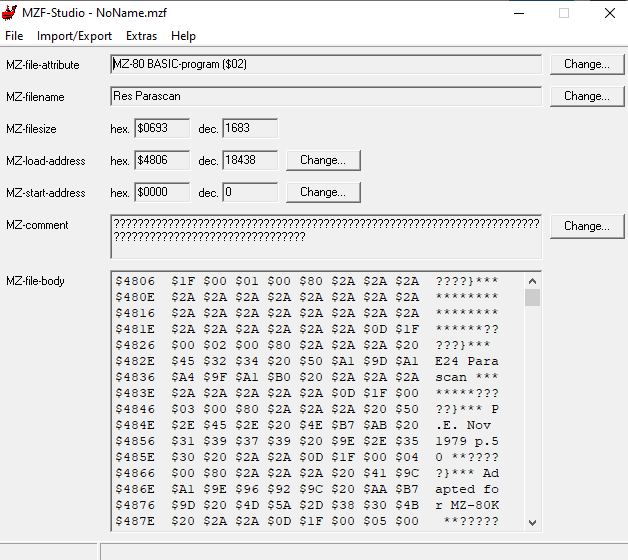
That completes the first part of the process. I then use MZFStudio to convert the .wav file into a .mzf file for achiving purposes. While some emulators will work with either a .wav or .mzf file, the majority I’ve played with seem to prefer a .mzf file (and it’s simple enough to convert a .mzf file back to a .wav if the need arises).
If you’d like to run some of the programs I’ve archived on your own MZ-80K or emulator, you can find them in my Sharp MZ-80K github repository.