Recreating the Compukit UK101 (4)
One issue with using this UK101 FPGA emulator with a (relatively) modern PS/2 keyboard is that the keyboard layout is subtely different to the original machine. I overcame this initially by making some sticky labels to put over the keys. But it seemed a more practical long term solution to edit the VHDL code to support both layouts and allow switching between them using a function key - not least because the sticky labels weren't all that sticky. In any event, I'm now so used to the PS/2 keyboard layout that changing it made for a much more comfortable typing experience.

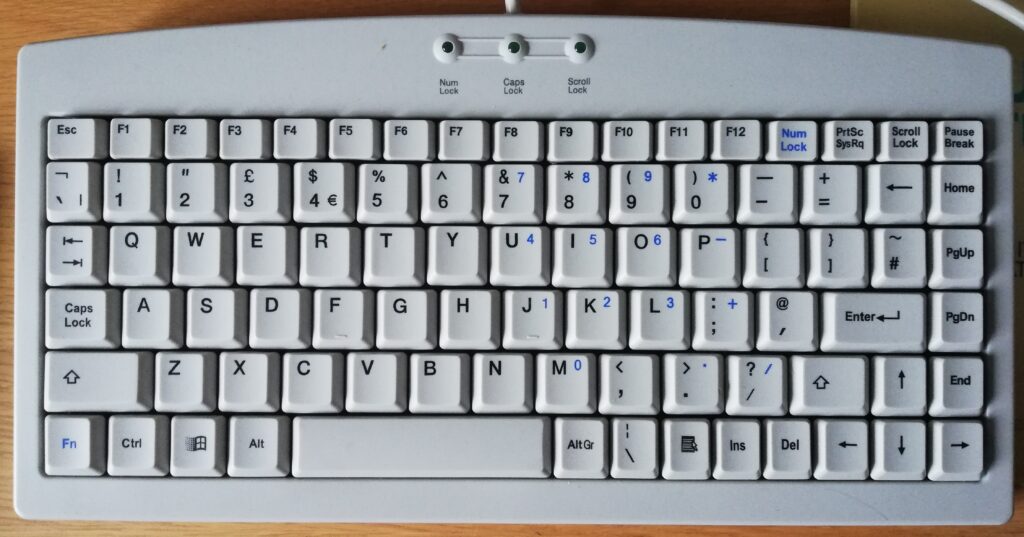
Because of this decision, I proceeded to fall down the rabbit hole of learning VHDL for the next couple of weeks. During this learning experience I tried a number of different keyboard implementations (all more complex, none that seemed to want to work properly) than the one provided. I almost lost the will to live trying to implement the CAPS LOCK keyboard light. I've still not managed to achieve this feat - maybe one day ...
In the end I simply modified the original keyboard driver and introduced a number of different function key mappings. In my version of the keyboard driver:
F1 - Toggles the emulator between running the cpu at 1MHz (default) and 16.6MHz - useful for non-interactive programs such as calculating prime numbers or Conway's game of life.
F2 - Toggles the UART to run at 9600 baud (default) and 300 baud (for the masochists who like to save and load programs at the original UK101 speed).
F3 - Toggles the keyboard map between the PS/2 standard (default) and the original UK101 mappings.
And finally ...
F12 - Switches the left and right shift keys around so that the left shift key becomes the right shift key and vice versa. For 99.9% of programs, this makes absolutely no difference. However, there's a version of space invaders that works with the original monitor where this change makes playing the game far easier. This is because the left hand side shift and control keys control the gun movement (shift = right, control = left). On a PS/2 keyboard these keys are in the 'wrong' places to make playing the game comfortable. Swapping the left shift key over to the right hand side of the keyboard in software therefore makes the game playable!
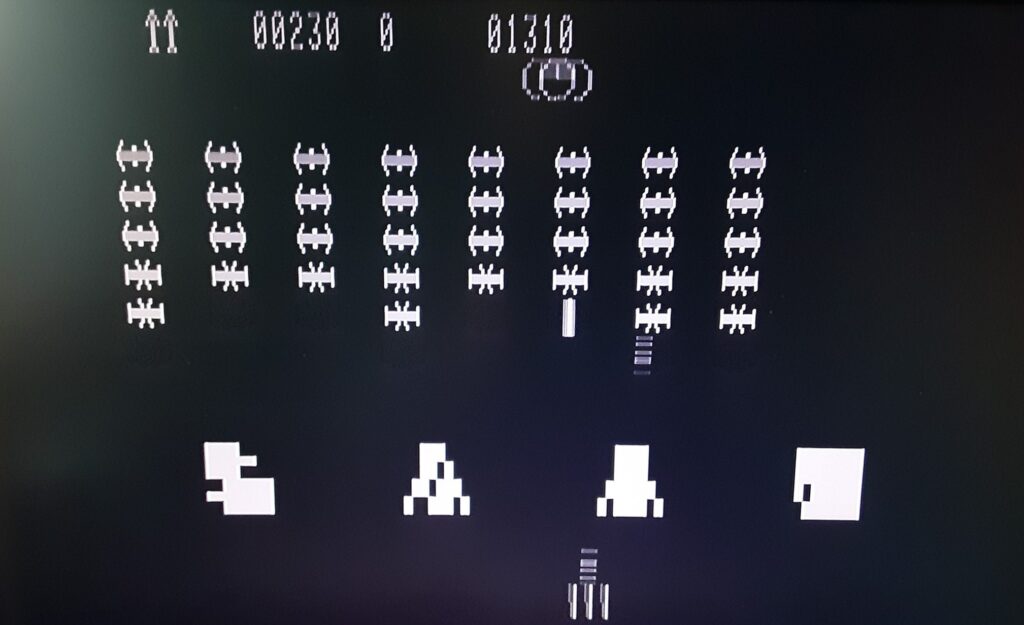
The last change I made to the emulator code was to implement the 64 column x 32 row enhancement by patching the CEGMON monitor. This has made it possible to implement a more interesting version of Conway's Life ... and has provided me with enough screen real-estate to think about how to re-implement The Valley for this platform.
The final version of the VHDL code for my implementation (warts and all) is available here: https://github.com/psychotimmy/UK101-FPGA-CEGMON.